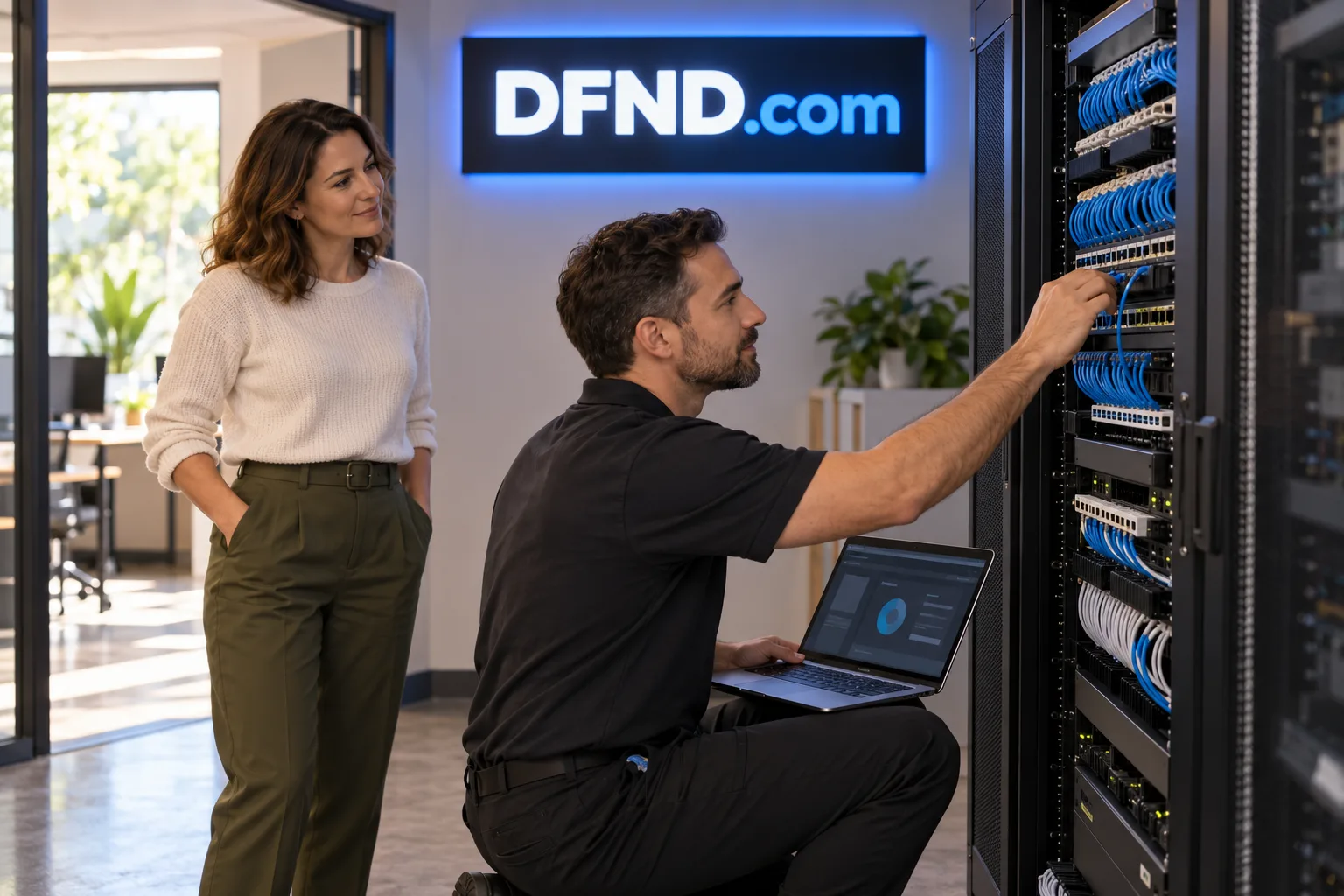
A managed security service for small businesses
Package a small-business security service around a fixed baseline setup, a defined monitoring plan and a separately scoped incident-help retainer.
Read the idea →

A four-letter .com that reads “defend” — for a security product, a protection service or a self-defense brand.
Get PricingDFND.com puts a familiar idea into four letters. Say “defend”: the connection is direct, whether the name sits on a security dashboard, a studio entrance or a phone screen. Its compact spelling gives a buyer room to build a clear identity around the people, accounts or businesses they help protect.
A product launch and an established company’s rename ask different things of a domain. DFND.com offers both a short address to share and a name that can travel across services. Pair it with a straightforward description of the offer, and customers have a useful starting point for understanding what belongs behind those four letters.
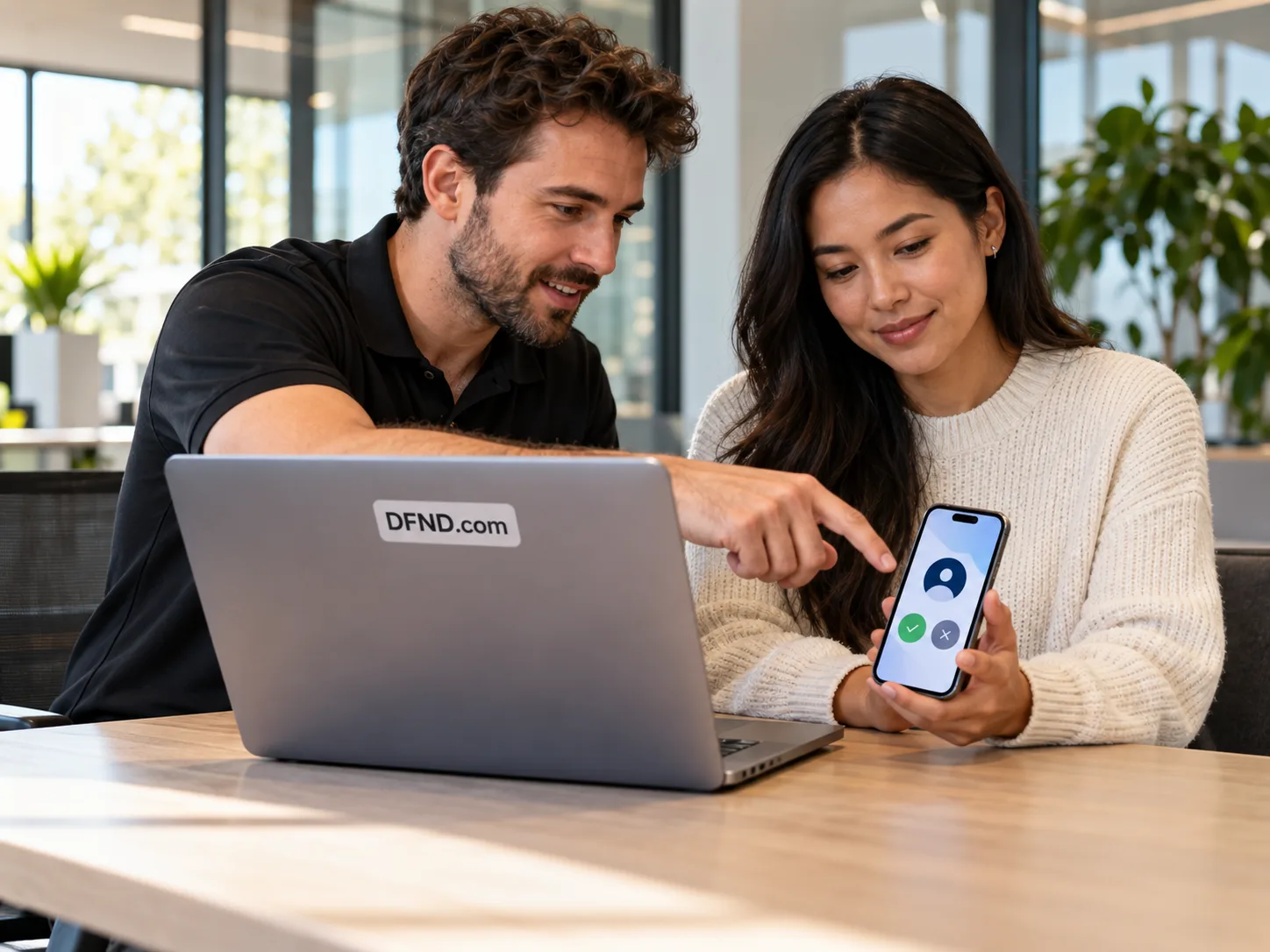
For founders helping small and mid-sized businesses look after accounts, devices and daily operations.
For martial-arts instruction, personal-safety workshops and a schedule of practical training.
For consumer and family tools that make protective habits easier to follow.
For a company considering a shorter address alongside a longer, established name.

The strongest fit starts with the buyer’s actual offer. A managed service could use DFND as the name clients see when requesting help. A training studio could carry it from class bookings to clothing and signage. A family app could use the same short identity across its website and its product. Each direction needs its own explanation, audience and delivery plan.
For a business already using Defend or Defender, the appeal may be a shorter destination for introductions, campaigns and customer access. Before a change, consider how existing customers will recognize the name, how staff will say and spell it, and whether the proposed identity suits the markets where the business operates.
These three illustrative concepts explore different ways to put the name to work. One centers on ongoing business support, one on in-person teaching, and one on a household’s everyday accounts. They offer starting points for a buyer to consider alongside their own experience, resources and plans.
Read the concept closest to your intended use, then think through the first thing a customer would need from it. A focused opening offer makes the name easier to explain: a defined setup service, a bookable introductory class or a clear account checklist. The domain can provide a common home as that offer develops.
Package a small-business security service around a fixed baseline setup, a defined monitoring plan and a separately scoped incident-help retainer.
Read the idea →
Build a studio around introductory workshops, a recurring course and workplace sessions, with clear instructor responsibilities and separate booking options.
Read the idea →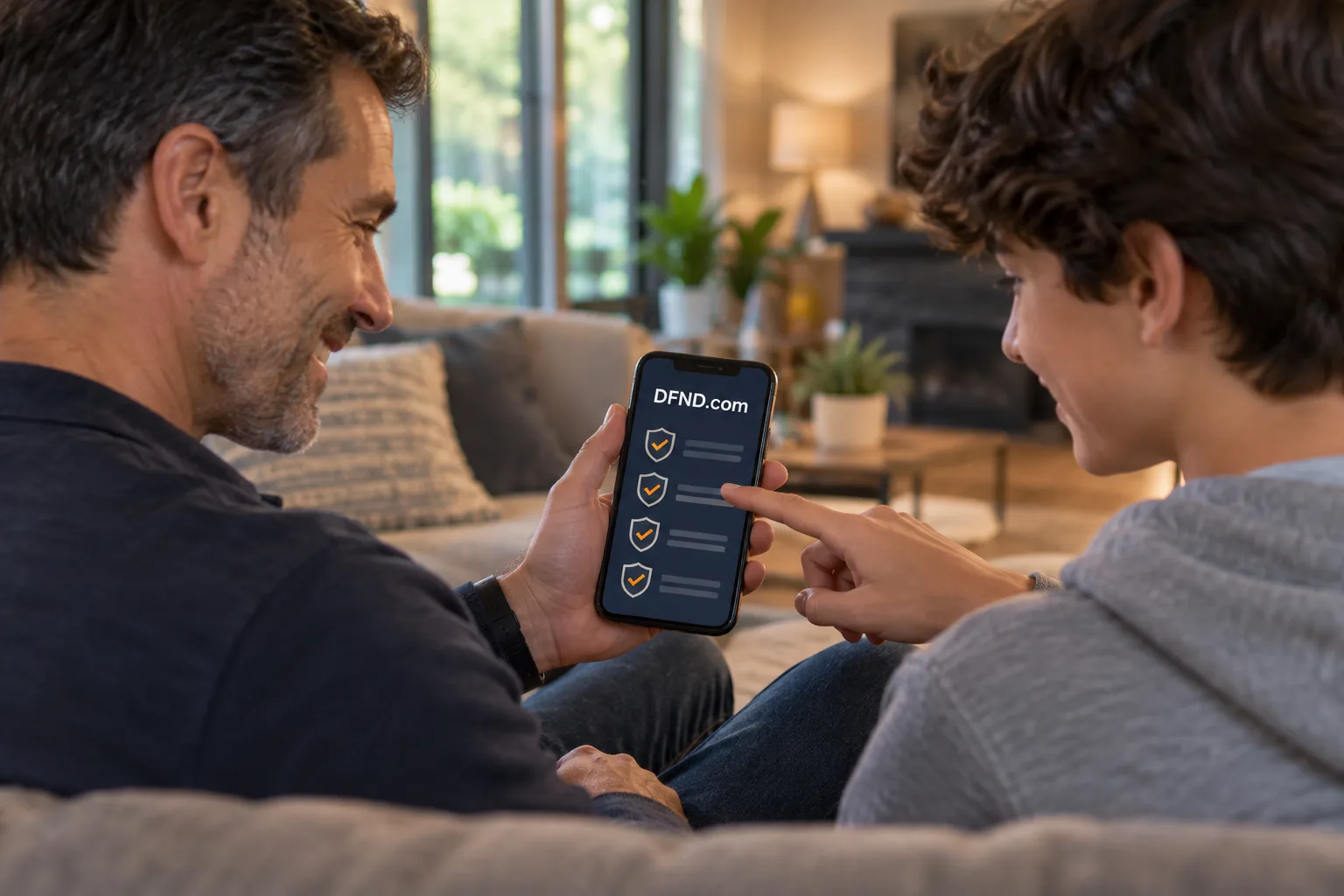
Explore a family app built around an account checklist, MFA setup guidance, a cautious scam-message checker and a consent-based dashboard, with hypothetical pricing.
Read the idea →Practical protection is also a matter of everyday decisions. The articles below look at account sign-ins and suspicious messages, two subjects that small teams often need to discuss together. They give prospective buyers a sense of the useful, approachable editorial direction a brand like DFND could take.
Acquiring the domain begins with a private inquiry. Share whether the interest is a purchase or a partnership and provide the details requested in the form. The next conversation can cover fit and the steps for a purchase through GoDaddy or Escrow.com. The domain name is the asset offered; any starter artwork or content would be included only by written agreement.

Use a five-step plan to inventory accounts, choose MFA methods, enroll staff with recovery options and verify coverage. A hypothetical office example shows how to handle gaps.
Read the article →
Check suspicious requests, compare weak and usable reporting instructions, and give staff a clear path after an accidental click or disclosure.
Read the article →